I may earn a small commission if you buy through my links, at no extra cost to you. Disclosure
Scribe is an email signature tool for teams. You design the signatures in one place, and Scribe installs them on everyone's email. I have used it since at least 2021 at PL & Partners, where I am the one who runs it. Short version: it keeps every signature on brand without any effort, and the signature campaigns are my favorite part.
My rating: 5/5 ★★★★★
Key takeaways
- Every signature comes from one template, so the whole team looks the same.
- Campaigns put a banner in everyone's signature to promote an event, a whitepaper or a new product.
- Changes go out to the whole team from one place. Nobody has to install anything.
- Works with Google Workspace (what we use) and Microsoft 365.
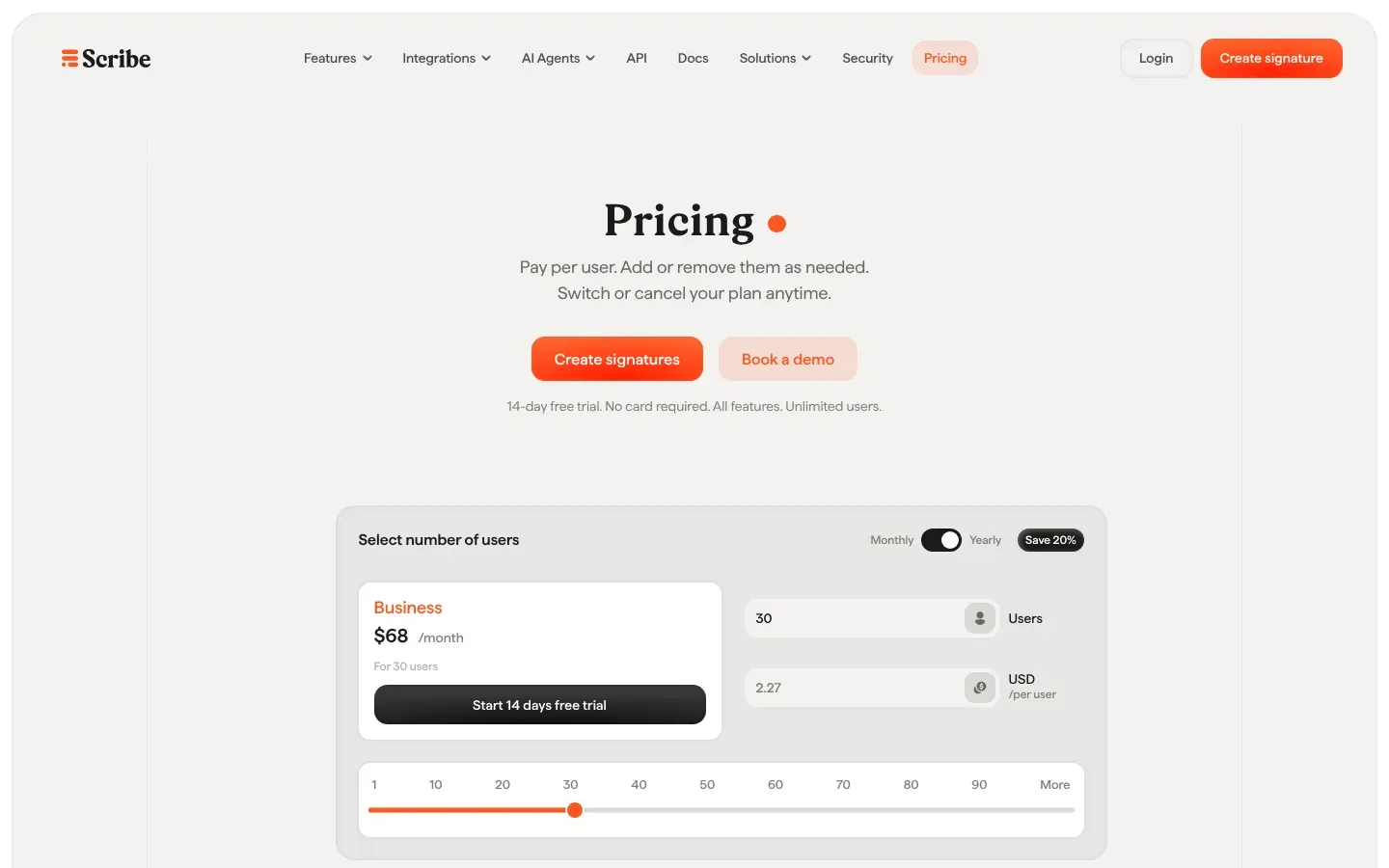
- Free for up to 2 users. The Business plan is shown at $68 a month for 30 users on yearly billing.
What is Scribe?
Scribe (scribe-mail.com) is an email signature manager. It is not the Scribe documentation tool or the Kindle Scribe, which share the name.
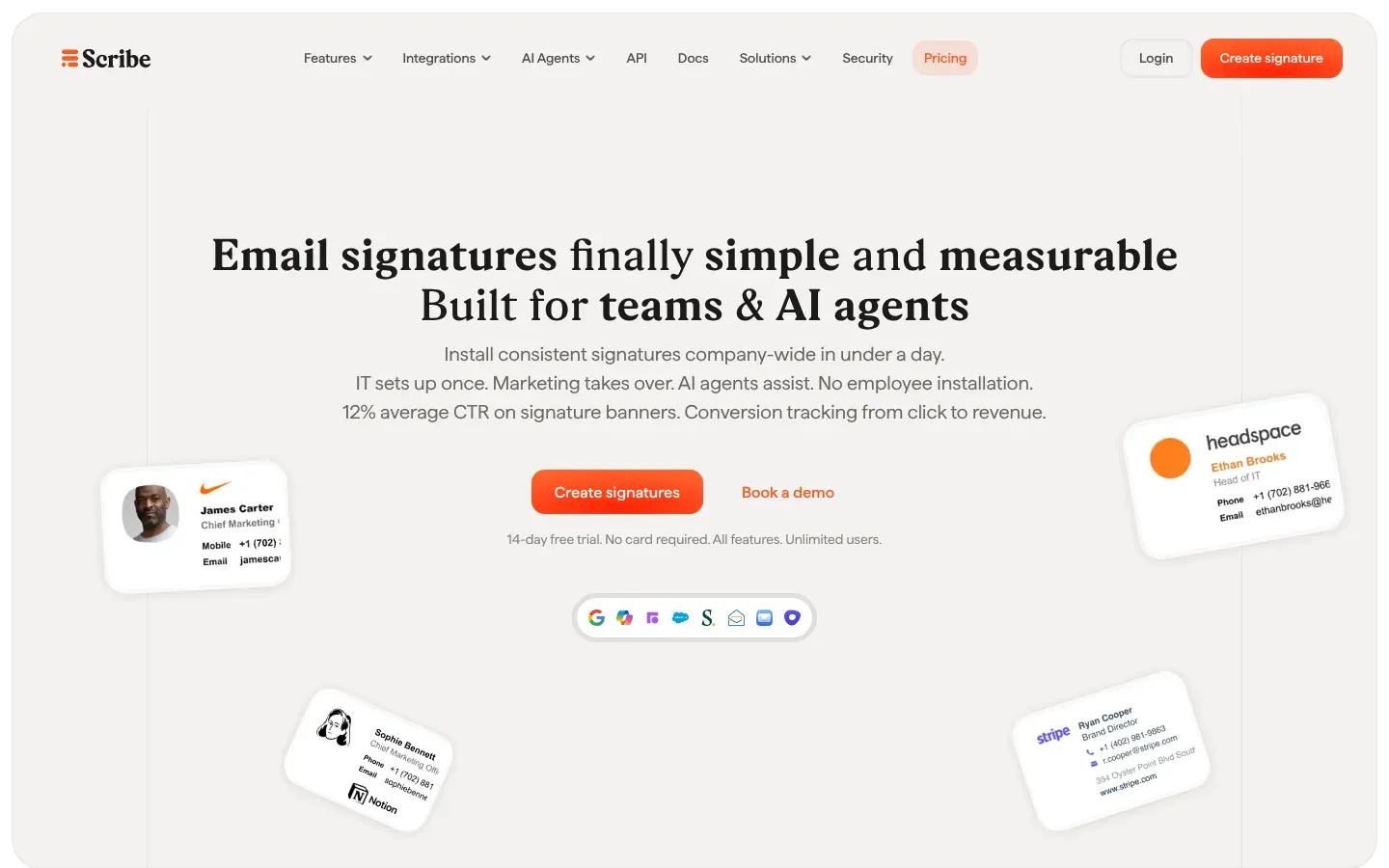
An admin designs the signature templates, and Scribe fills in each person's name, title and contact details automatically. When you change the template, the signature updates for everyone. It works with Google Workspace, Microsoft 365, Zoho Mail and Apple Mail, and your teammates see their signature in the compose window before they send.
Why we started using Scribe
Before Scribe, people at PL & Partners had different signatures. When a client gets emails from several people on the same team, that looks messy, and nobody has time to police it.
With Scribe there is one signature setup for the whole team, and I control it. Everyone looks the same, and the details stay up to date.

Signature campaigns: the feature that pays for it
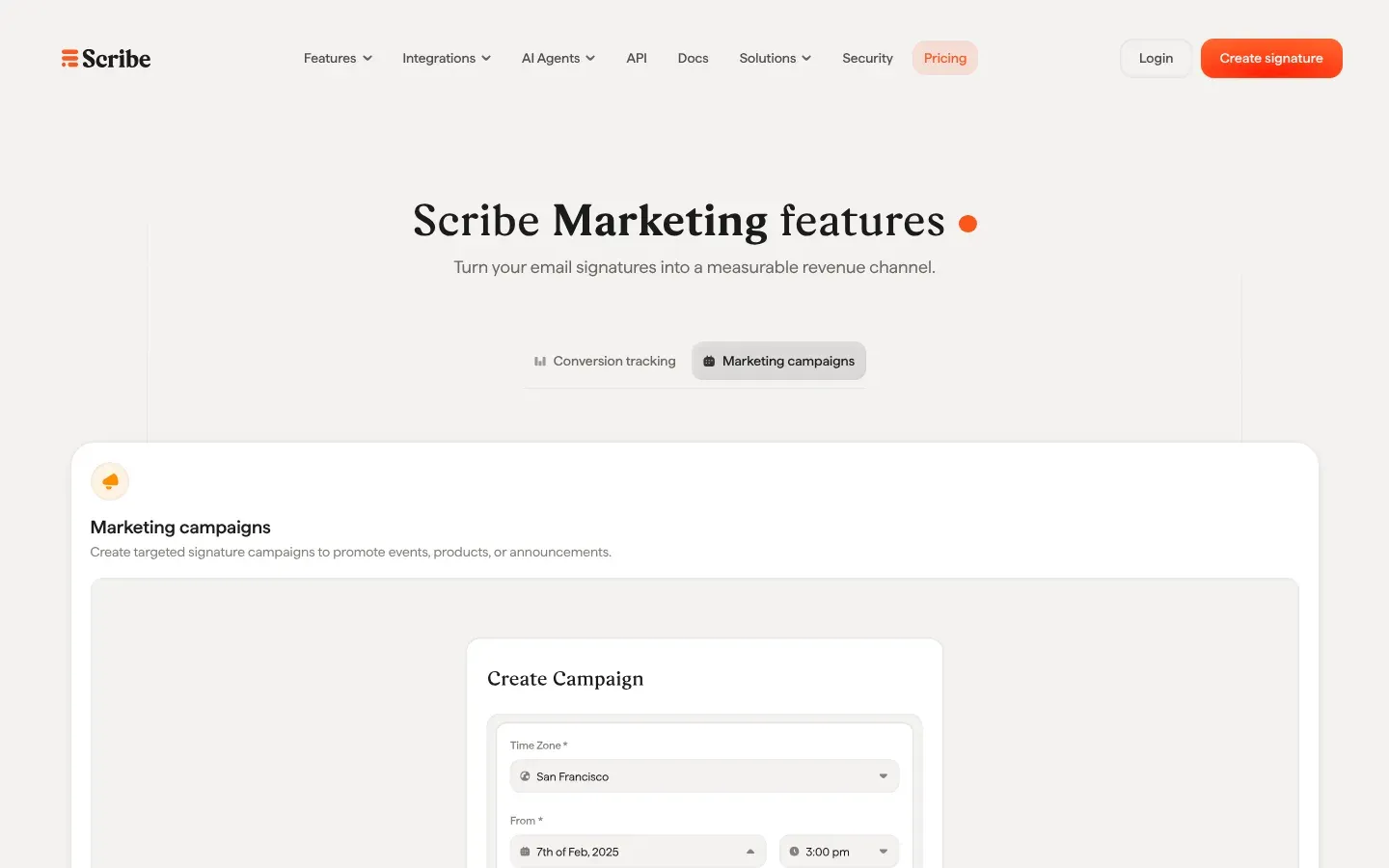
The best part of Scribe is campaigns. You add a banner to everyone's signature to promote something: an event, a whitepaper, a new product. It sounds small until you do the math.
When 30 colleagues send 20 emails a day, 20 working days a month, that is 12,000 emails a month carrying the same offer. It really adds up, and you don't pay for a single impression because the emails are being sent anyway.
We have used campaigns a lot to get people to sign up for our events, and it works nicely.
You can schedule a campaign to run one time, monthly, quarterly or yearly, target it at a department or location, and follow views, clicks and click-through rate in Scribe's analytics. Scribe says signature banners average a 12% click-through rate across its customers. That is their number, not mine.
How it works day to day
I handle Scribe myself at PL & Partners. It is easy to push changes and control the signatures: I update the template once, and the change goes out to everyone. Nobody on the team has to install or copy anything.
We run Google Workspace. Scribe connects to it centrally, and new teammates can be added automatically.
Scribe features worth knowing
- A visual signature editor and a template library.
- Smart fields that fill in each person's details automatically.
- Different signatures per department, role or location.
- Campaign banners with scheduling and targeting.
- Analytics on views, clicks and click-through rate.
- Separate workspaces per client, which helps if you run signatures for clients as an agency.
- SOC 2 Type II, GDPR and CCPA compliance, according to Scribe.
- An API, an MCP server for AI agents, and webhooks for tools like Zapier.
Scribe pricing in 2026
Prices from Scribe's pricing page, checked in November 2026:
- Free: $0 for up to 2 users, with one signature template and a Scribe watermark.
- Business: for 3 to 99 users. The page shows $68 a month for 30 users on yearly billing, about $2.27 per user per month. Yearly billing saves 20%.
- Enterprise: from 100 users, with a volume discount and a custom signature design by Scribe's team.
Every plan starts with a 14-day free trial with all features and no card required. You only pay for email addresses that have a signature. Paid plans are non-refundable, so use the trial properly.
Pros and cons
Pros
- One place to control every signature on the team.
- Campaigns turn everyday email into a free promotion channel.
- Easy to run: one person can handle it.
- Works with Google Workspace and Microsoft 365.
Cons
- The free plan has one template and a Scribe watermark.
- Paid plans are non-refundable, so test it in the trial.
- Banners need someone to keep them fresh. An old event banner looks worse than no banner.
Who should use Scribe?
Any company with more than a handful of people emailing customers, and anyone who runs events, webinars or content they want more people to see. For a solo freelancer, the free plan is probably enough.
Scribe alternatives
The best-known alternatives are WiseStamp, Exclaimer and Newoldstamp. I have not used them at PL & Partners, so I can't compare them first-hand. Scribe has done everything we needed.
Verdict: 5 out of 5
Scribe gets 5 out of 5 from me. I have used it for years, it keeps our signatures consistent without any effort, and the campaigns have helped us get people to our events. If your team sends a lot of email, take the 14-day trial and set up one campaign for your next event or whitepaper.
Scribe FAQ
Is Scribe free?
Yes, for up to 2 users with one signature template. Bigger teams need the Business plan, which starts with a 14-day free trial.
Does Scribe work with Gmail?
Yes. It works with Google Workspace, which is what we use at PL & Partners, and with Microsoft 365, Zoho Mail and Apple Mail.
Do employees have to install their signature themselves?
No. Scribe installs and updates the signatures centrally, so your teammates don't have to do anything.
Is this the same Scribe as the documentation tool?
No. This review is about Scribe email signatures (scribe-mail.com), not the Scribe how-to tool or the Kindle Scribe.